GPS run tracking and Day Recaps
Track your ski and snowboard runs with GPS
SkiBuds GPS tracking, coming soon: runs split from lift rides, vertical, distance and speed, plus Day Recaps that share your stats without your route.
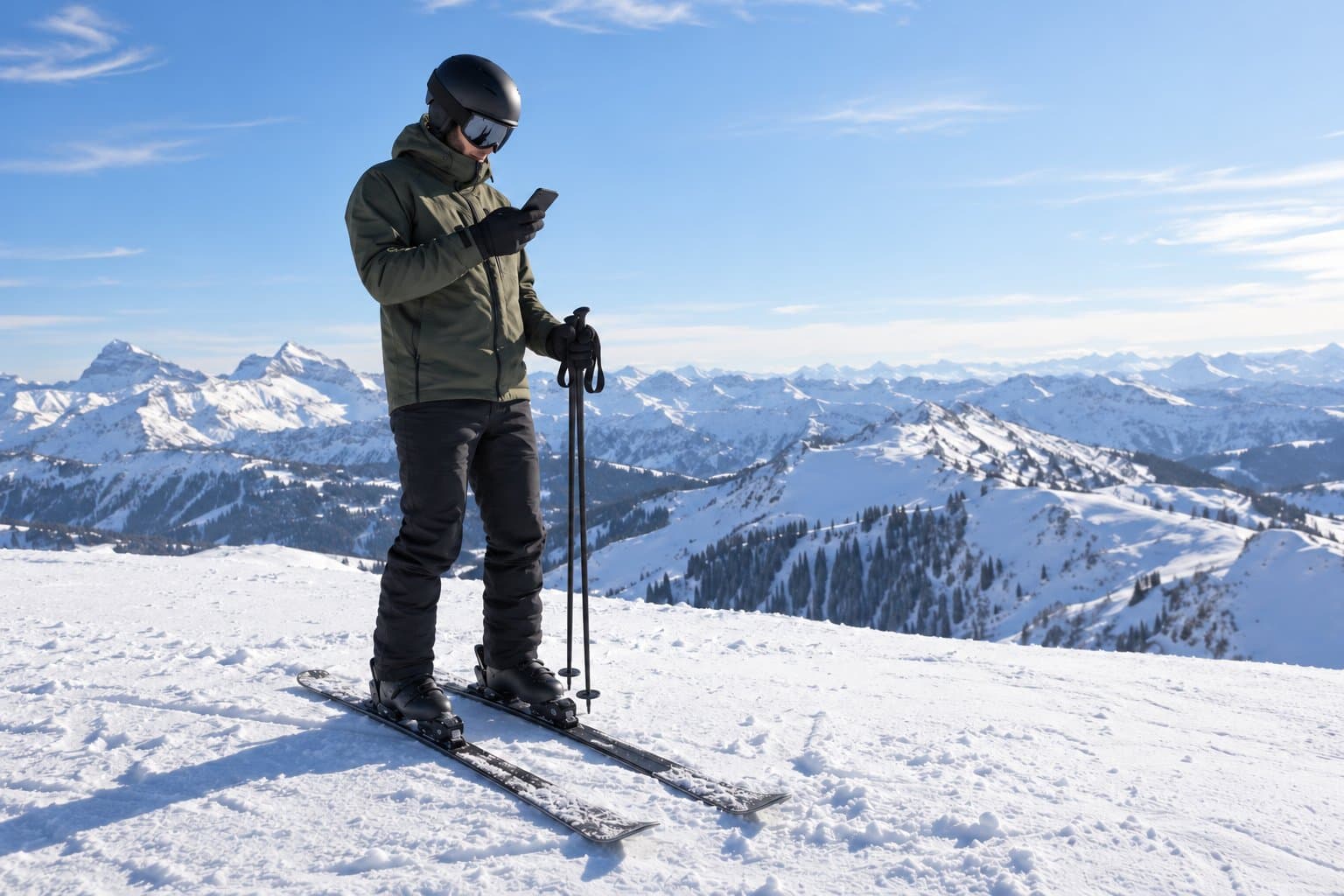
SkiBuds will track your ski or snowboard day with GPS. It will separate runs from lift rides and record distance, vertical, speed and duration, so the day reflects what you rode rather than how many times you sat on a chair. Tracking is part of the rebuilt SkiBuds app, which is coming soon to iOS and Android and isn't in the stores yet. It's for riders who want a record of the day and an easy way to share it with the people they rode with.
Runs, not lift rides
You'll start a session from the mountain map and stop it when you're done riding. The app will detect runs and lift rides on its own, so the summary won't count a chair ride as another lap. Saved days go into Activity History, where you can open one to review its summary and the route you rode.
GPS readings depend on your phone, the signal and your permissions, so treat speed and distance as estimates rather than exact figures, and keep your eyes on the mountain, not the screen. Map detail varies by resort: some have trail and lift overlays, others a base map.
Share a Day Recap, keep your route
A Day Recap will turn a saved day into a summary of time, distance, vertical, runs and lifts that you can send to a chat or post as a story. You'll choose whether to include the resort name and your top speed.
The recap leaves out your GPS route and your exact start and finish points. Your saved activity keeps them, so you can still look back at where you rode.
Permissions, battery and offline maps
Tracking needs location permission, and recording while SkiBuds runs in the background also needs background location permission. Check both before the first chair, and think about battery if it's a long or cold day.
You'll be able to download a supported resort's base map before you lose service. GPS and a downloaded base map can still work without a connection, but trail and terrain overlays, weather, chat and live friend locations may need one. The FAQ covers tracking and offline maps in more detail.
Before you press record
Check the snow forecast for your mountain, then agree on a plan with ski buddies or snowboard partners who ride at your pace. A recap is more fun to send when someone else was there for it.
SkiBuds is coming soon to iOS and Android. The launch status will change when it's in the stores.